HelpFor authors Your book's own page
For authors · guide 2 of 5Your book's own page
Each of your books has a page of its own, with an address you can put in an email, a newsletter, or the back of the next book. It shows that one book and everything the Hive holds about it.
Find the address
Open your public page and click any book on your shelf. The address in your browser is that book's page: your author address, then the book's title in words. Copy it from the address bar.
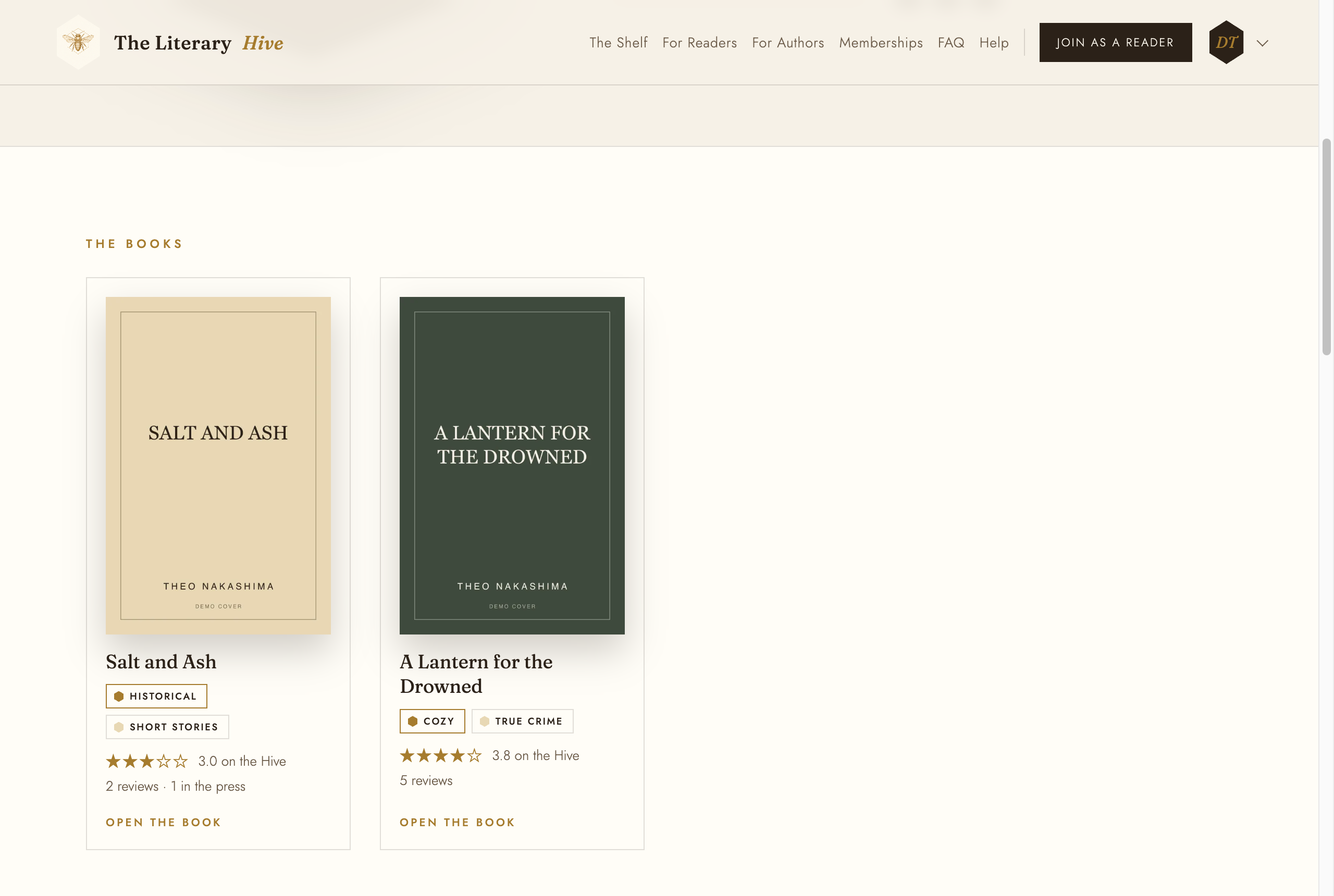
Your shelf: every card opens that book The address is made from the title when the book is first added, and it stays the same even if you later reword the title, so a link you have shared never breaks.
What a visitor sees
The cover, title, genres, and description, then a strip of ratings: On the Hive first, then each store you linked. Each store box is the link to the book in that store. Below that are the reviews of this book, and any press that is about this book.
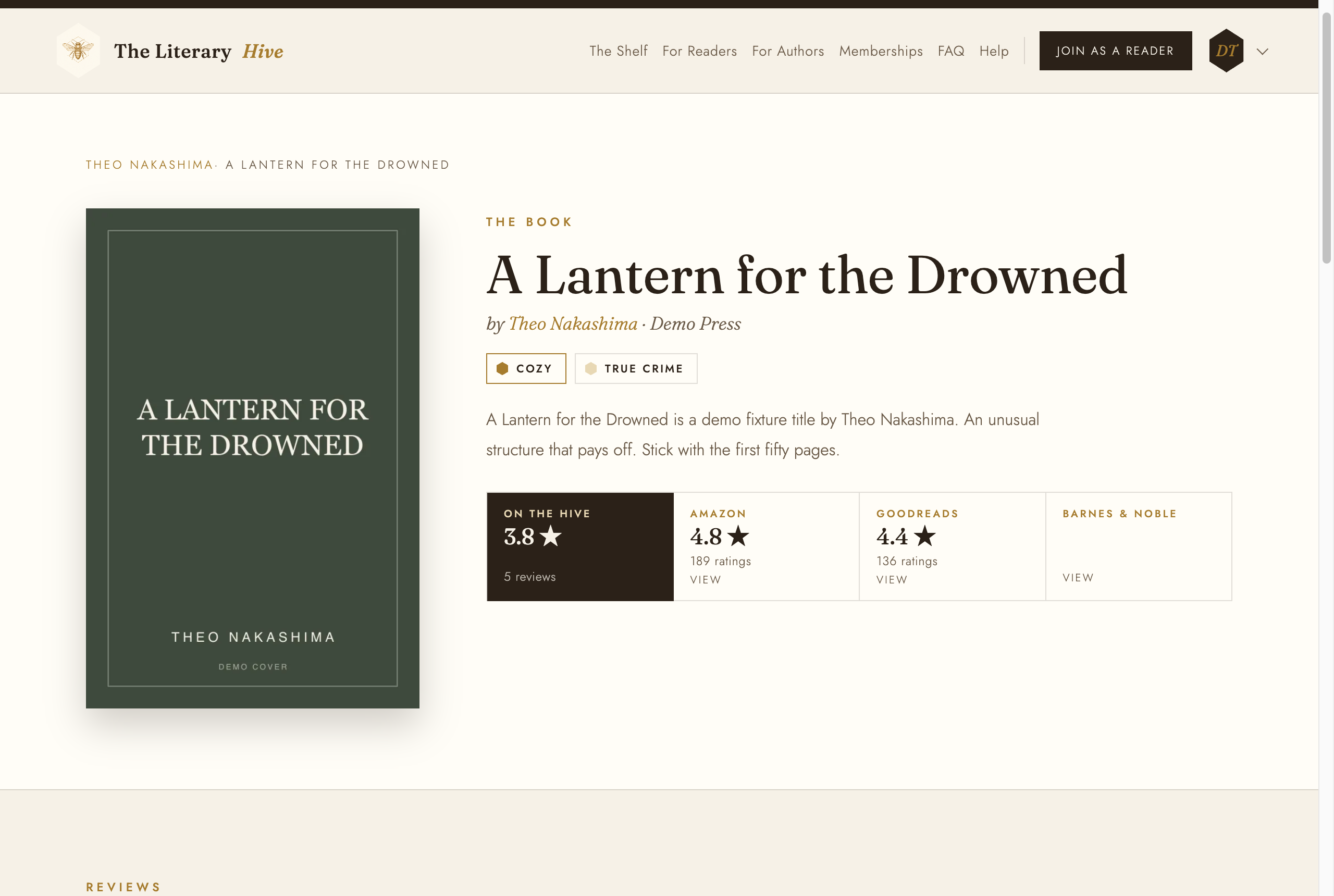
One book, its stores, its reviews What "On the Hive" counts
It is the average of every review of the book that the Hive holds, whichever site it was first posted on, including reviews a store has since taken down. It counts the unflattering ones too. That is what makes it worth something to a reader, and it is why nobody, author or staff, can adjust it.