HelpFor authors Adding your press
For authors · guide 3 of 5Adding your press
A review in a magazine, a feature, a podcast interview: anything written or recorded about you or your books can sit on your page in one dated list, and you can hand that list to a publisher as a spreadsheet.
Open Press links on your dashboard
On your dashboard, scroll to Press links. Everything already on your page is listed there, newest first, including anything the Hive team added for you (those rows say added by the Hive team).
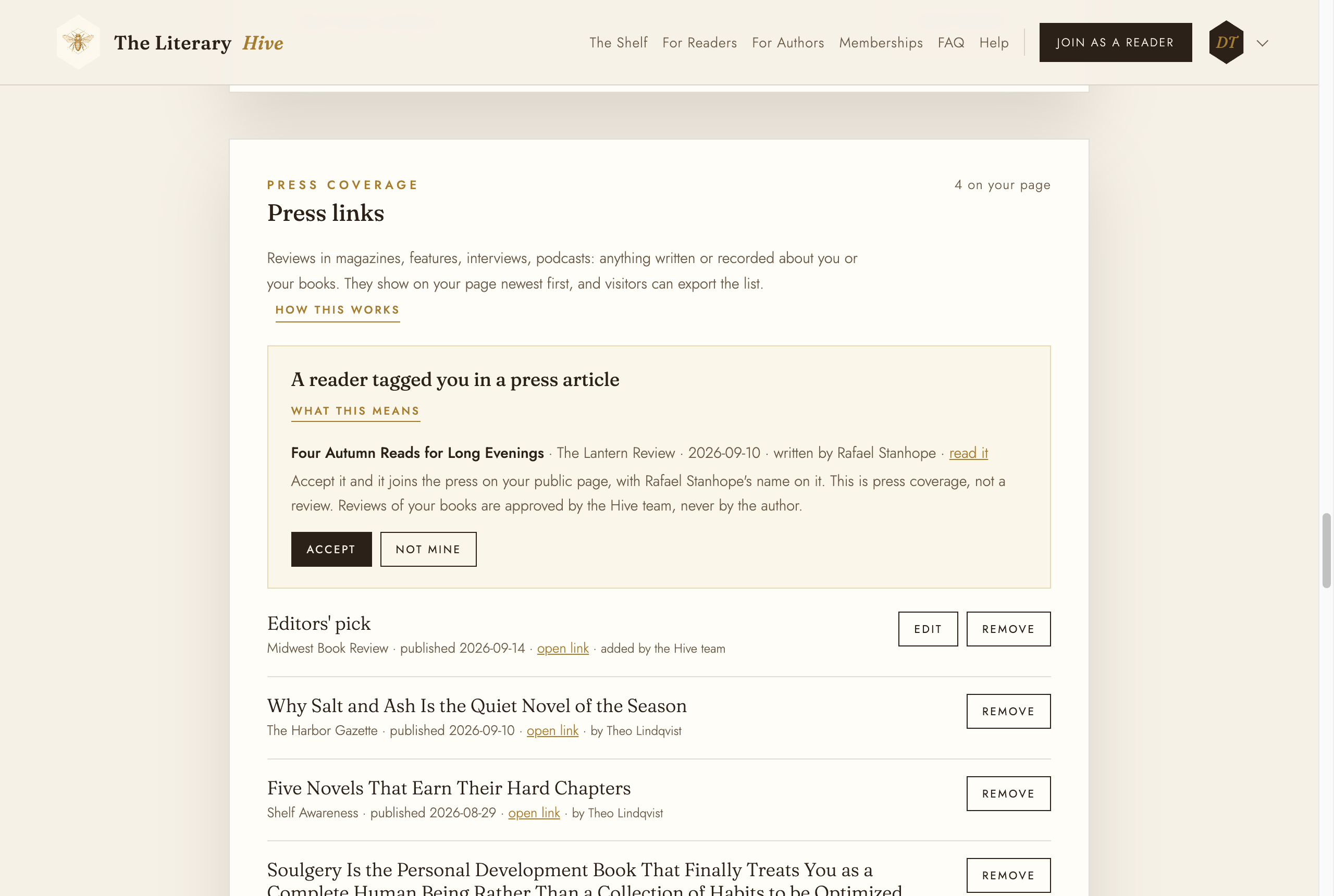
Everything on your page, in one list Fill in the form
Under Add a press link: the outlet (the magazine, site, or show), the article title exactly as they wrote it, and the link. Add Published on if you know the date; your page sorts by it. Click Add press link. It is on your public page straight away, under In the press.
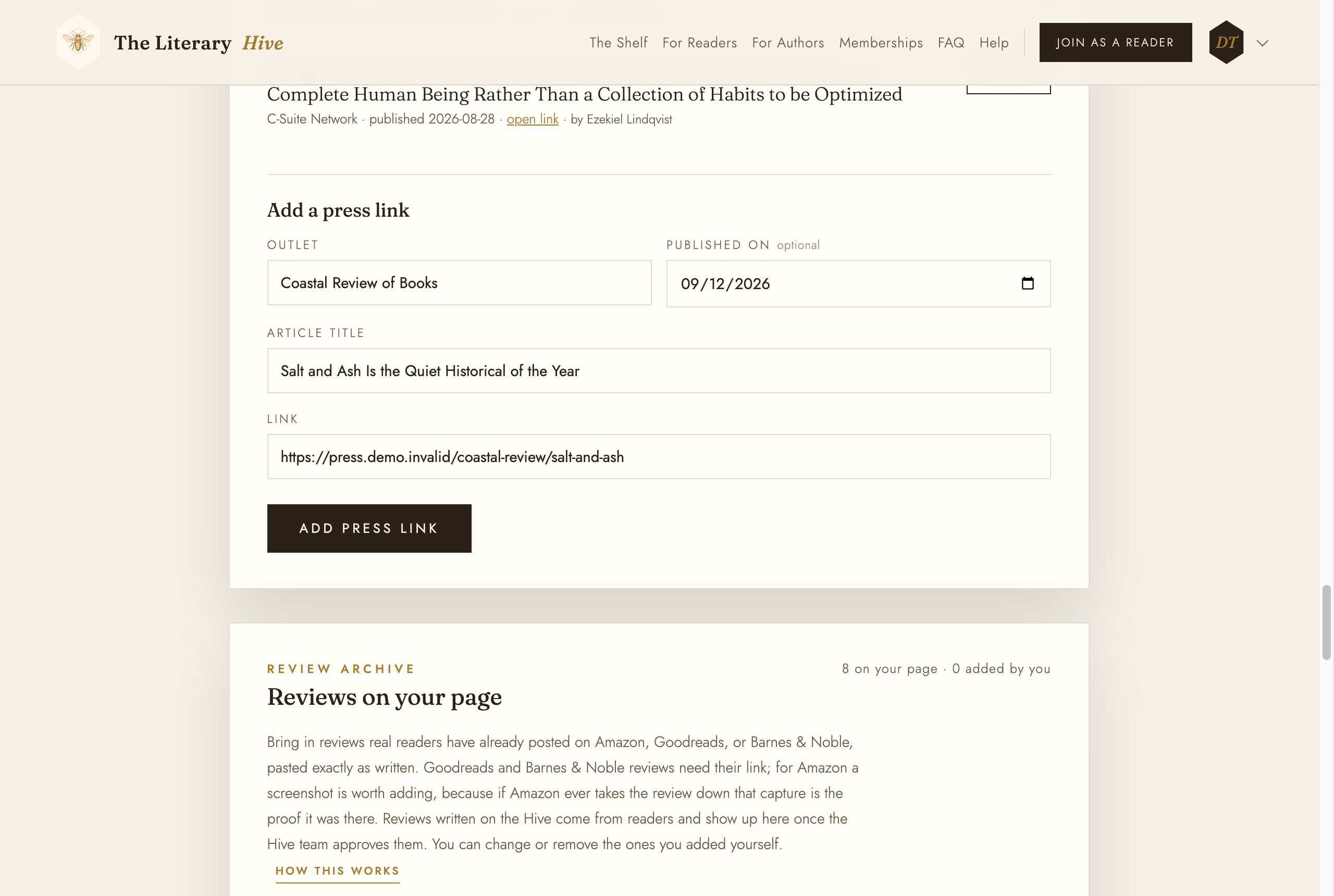
Outlet, title, link, and the date if you have it Only add coverage that is really about you or your book. Your press list is public, and it is what publishers and readers judge you by.
Fixing or removing one
Edit changes a title, a link, or a date. Remove asks Sure? and then takes the row off your page. A row that names a writer (by and a name) is an article a Hive reader wrote and tagged you in: you can remove it from your page, but not rewrite it, because it is theirs.
Take the list with you
On your public page, Export CSV downloads the whole list as a spreadsheet, with who wrote each piece, and Print makes a clean printed copy.
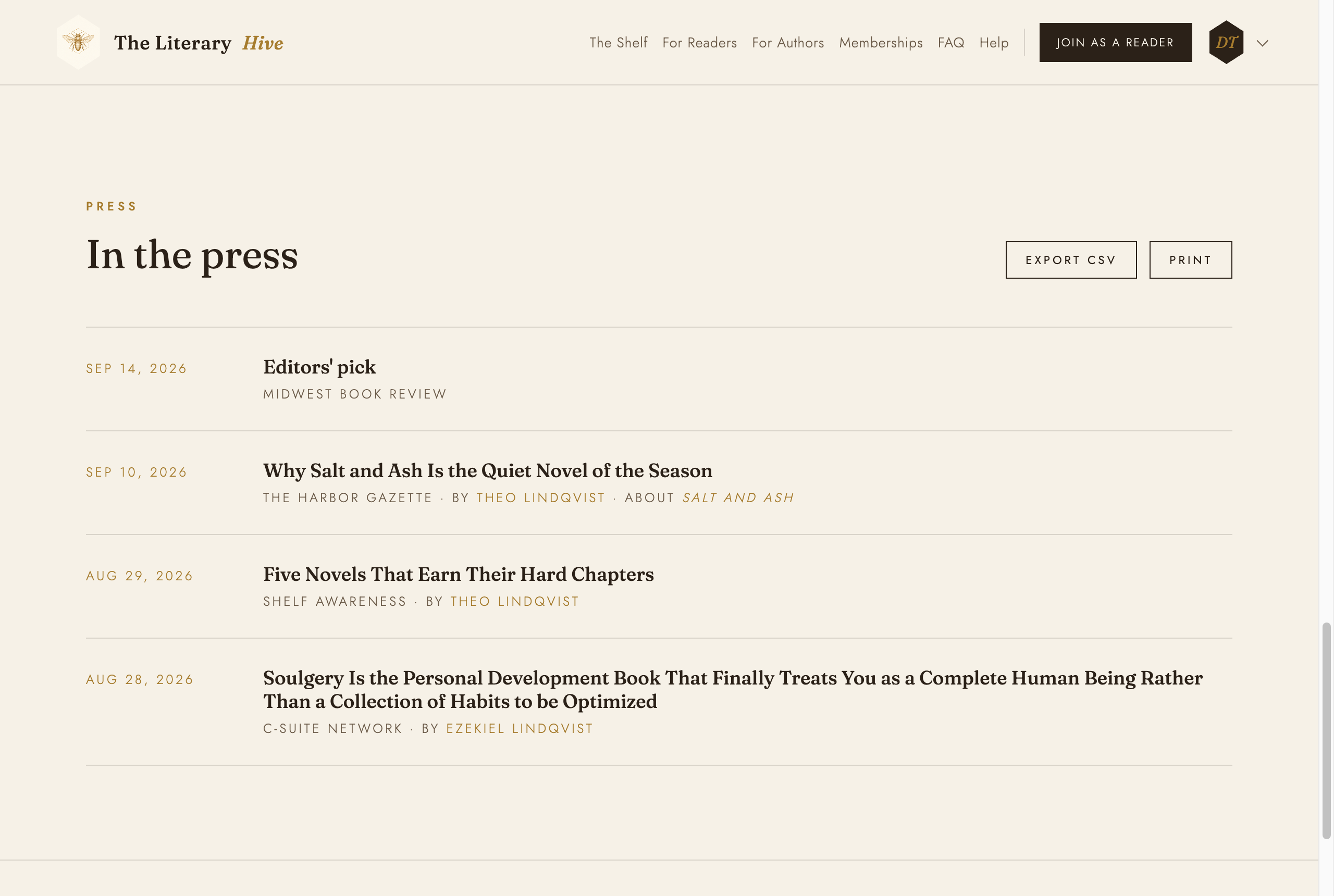
Your press, as visitors and publishers see it