HelpFor authors Setting up your page
For authors · guide 1 of 5Setting up your page
Your author page is the one permanent home for you and your books: who you are, what you have written, where to buy it, and what people have said about it. Everything on it is set from one screen, your dashboard.
Open your dashboard
Sign in (with Google, or with a code emailed to any address), open the menu under your initials at the top right, and click Edit beside your author page. The dashboard opens on Build your page. Everything you save here shows on your public page at once; View your public page at the top opens it.
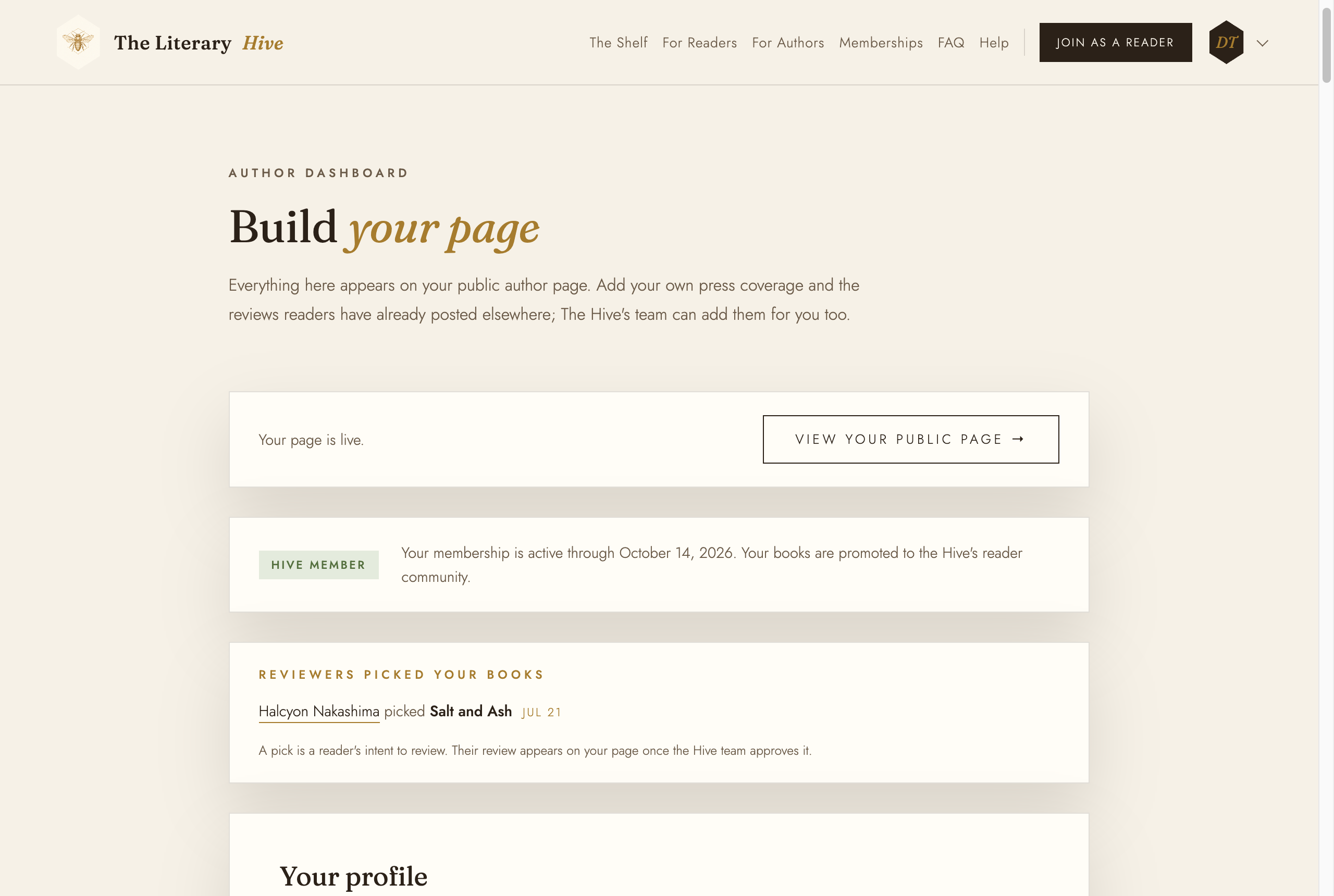
Your dashboard: what you save here is what visitors see Your profile
Under Your profile, click Change photo and pick a warm, well-lit portrait. Set your display name as it appears on your covers, and a bio of a few sentences. Your web address is the link you will hand out, so keep it to your name.
The website and social media boxes are optional. For the networks you can paste the full link or just the handle. Click Save changes.
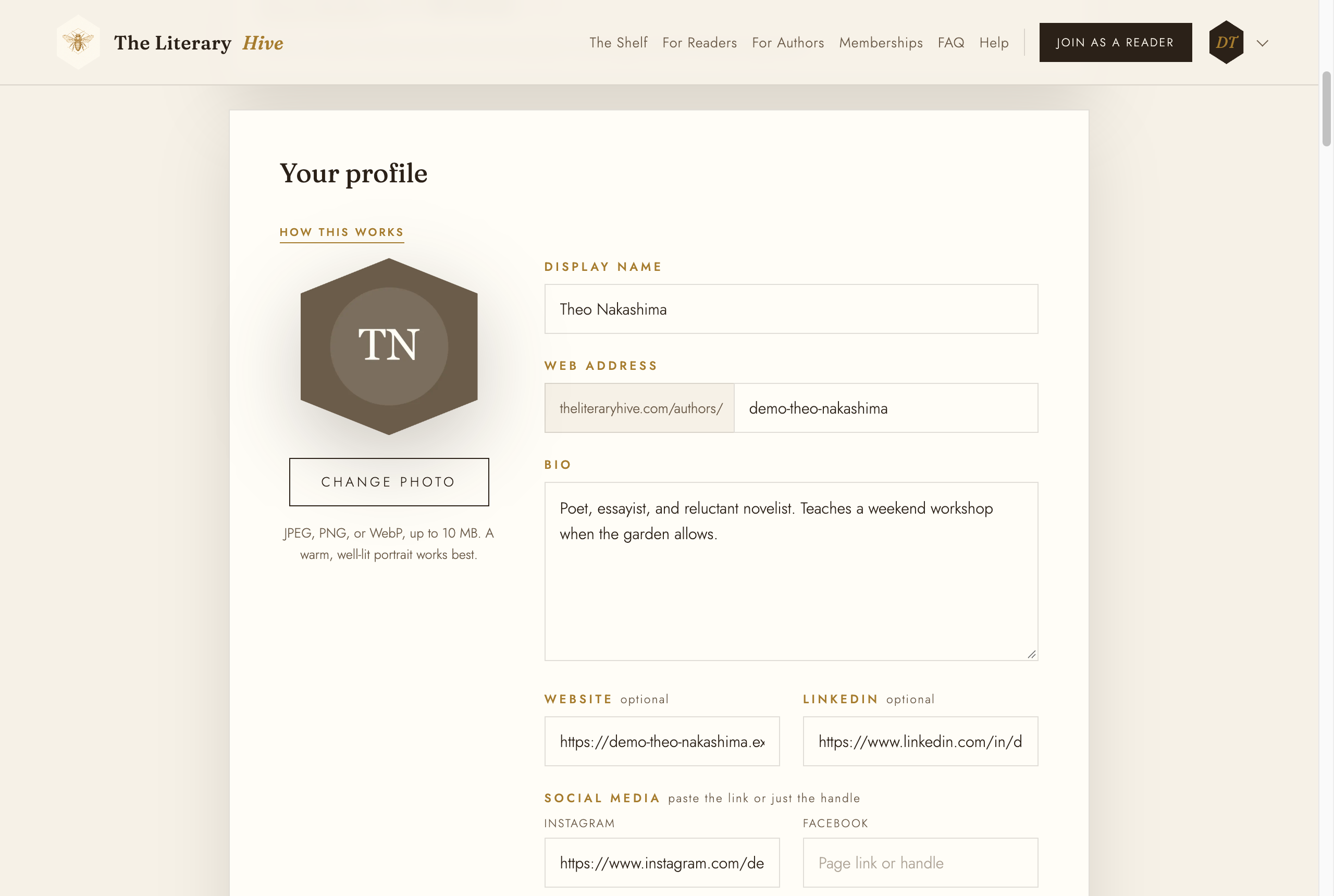
Name, address, bio, and your links Add a book
Under Your books, click Add book. Give it the title as printed, the Amazon link, and a short description. Under Store links add the book's pages on Goodreads, Barnes & Noble, BookBub, and Books-A-Million if it is sold there. Every store you fill in becomes a button on the book's page.
Change cover uploads the cover image. A book without one still works, but covers are what readers notice.
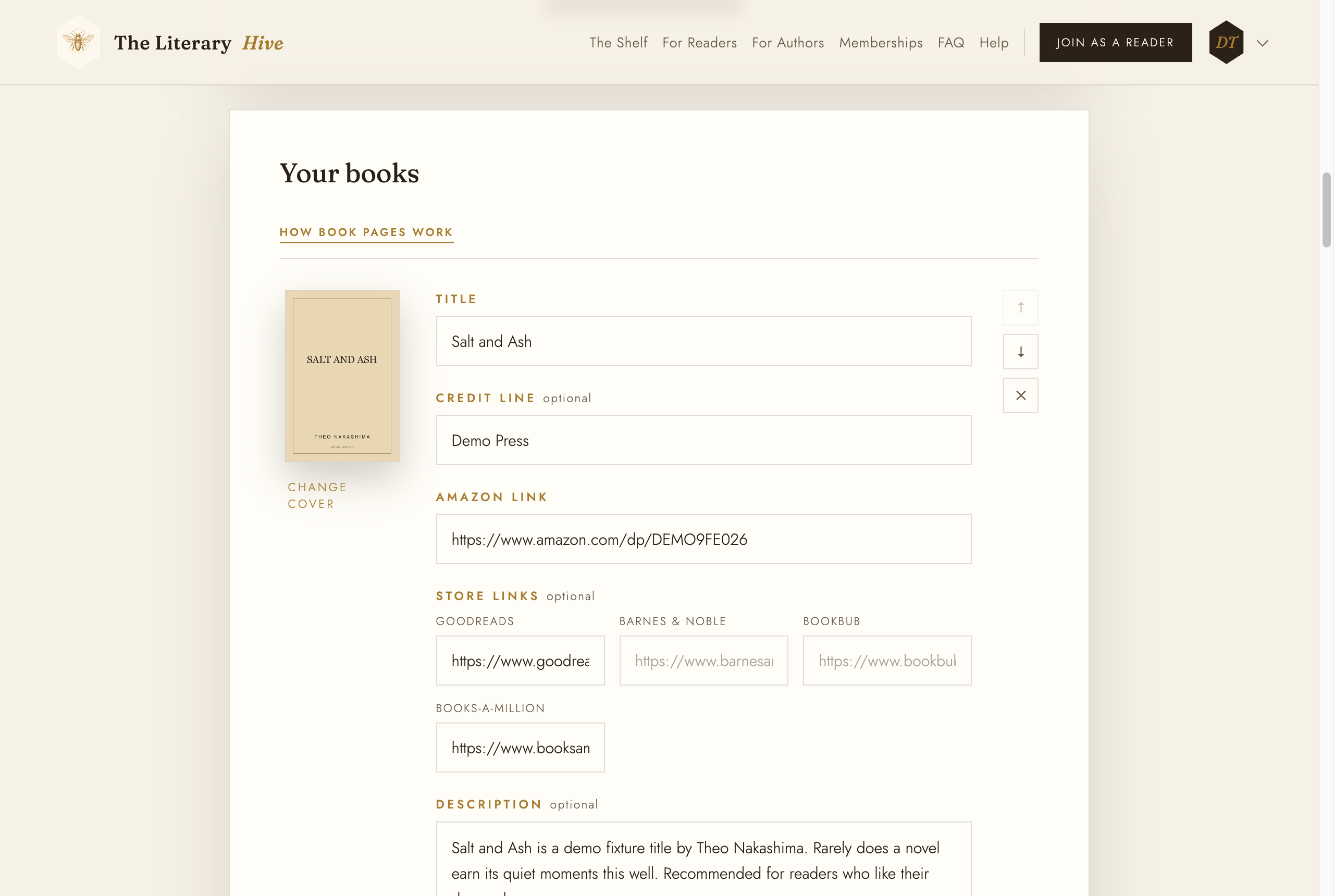
One form per book Choose its combs
Combs are the Hive's genres, and they are how readers find books they will like. Tap the genre the book belongs on first; it turns dark and reads Primary. You can tap up to two more, which read Also. Pick the shelves a reader would expect to find the book on, not every genre it touches.
Click Save book. The arrows beside a book change the order your books appear in.
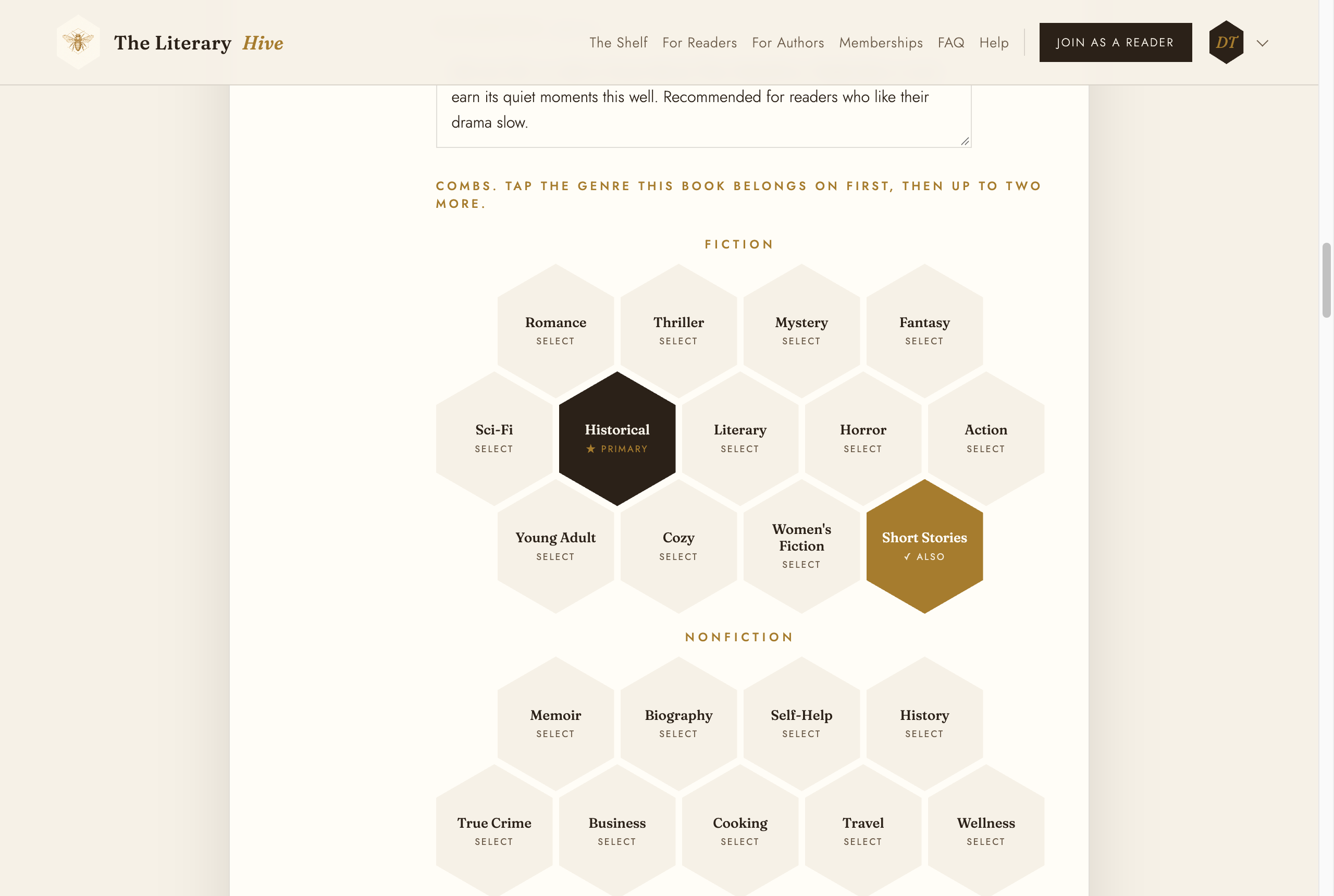
One primary comb, up to two more The star averages under Storefront ratings are optional. If you fill them in, copy them exactly as the store shows them on the day; they sit on your book's page beside the Hive's own rating.