HelpFor publishers Your publisher page
For publishers · guide 1 of 1Your publisher page
A publisher page is your house's home on the Hive: your logo and story, the press you have earned, and a honeycomb of the authors who publish with you, each opening that author's own page. It is free.
Your account can
- Edit your house's page: name, logo, story, website and social links
- Add press about the house
- Add new authors to your house with their own email
- Edit your authors' profiles and photos
- Add their books and covers, and hide a book
- Add and hide their press links
Left to the Hive team
- Reviews. They come only from readers and the Hive team, which is what keeps them honest
- Linking an author who already has a Hive account to your house
- Moving an author to another publisher
- Featuring your house on the homepage
You only ever see authors linked to your house. Need something from the second list? Ask the Hive team and they will do it for you.
Sign in as a publisher
Open theliteraryhive.com/signin?as=publisher and continue with Google or with a code emailed to any address. A new account starts as a publisher; an account you already have gains the publisher role. Either way you land on your publisher dashboard. Your page goes live once the Hive team approves it; until then the dashboard says it is waiting.
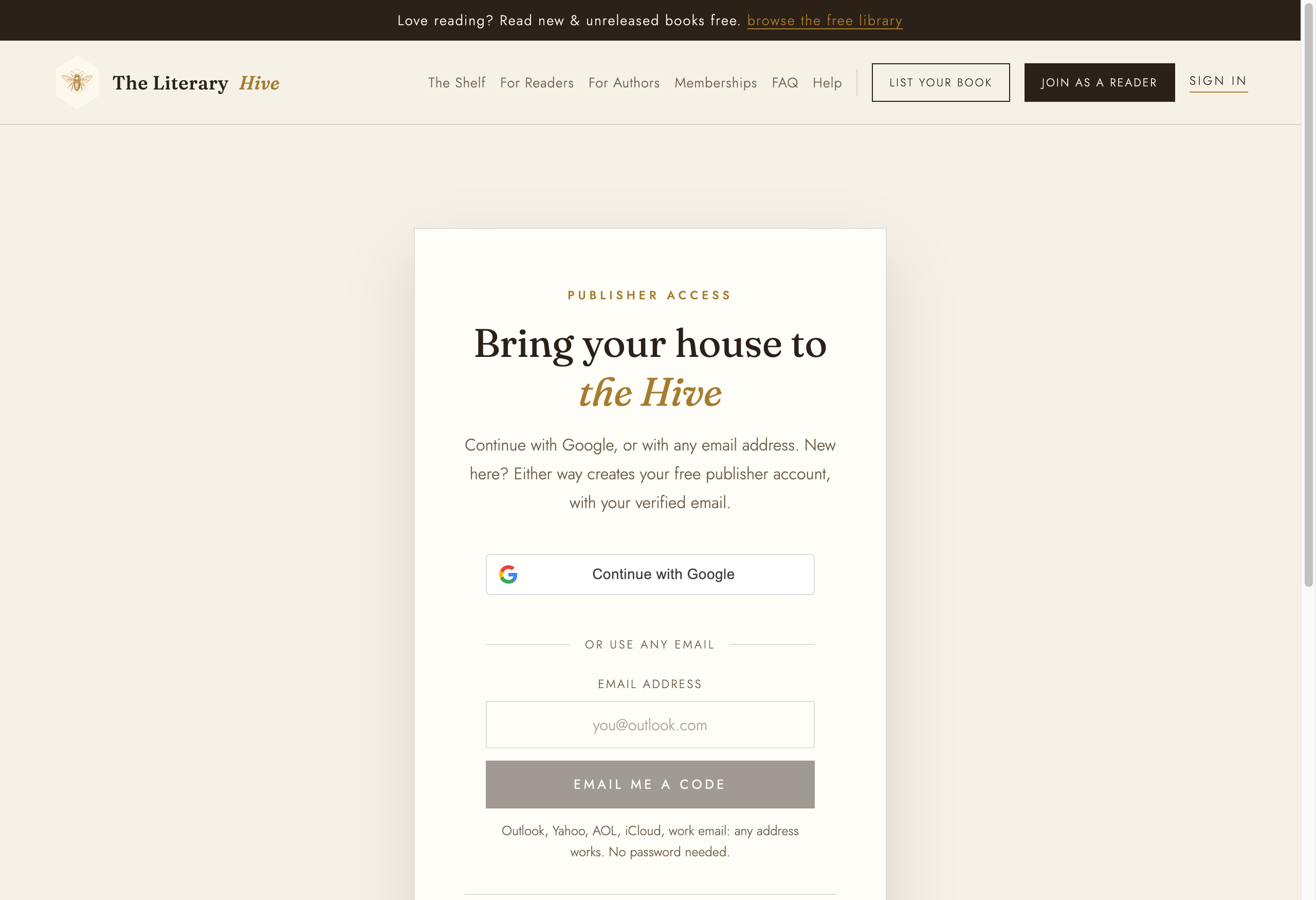
The publisher sign-in Your house
Under Your house, give the name as it appears on your books and a Hive page address to hand out. Add a one-line specialty and a few sentences about the house, then your website and any social networks. Click Create my page.
Once the page exists, Add your logo uploads it. SVG, PNG, JPEG and WebP all work; the logo is fitted inside its frame, never cropped, so a wide wordmark is fine.
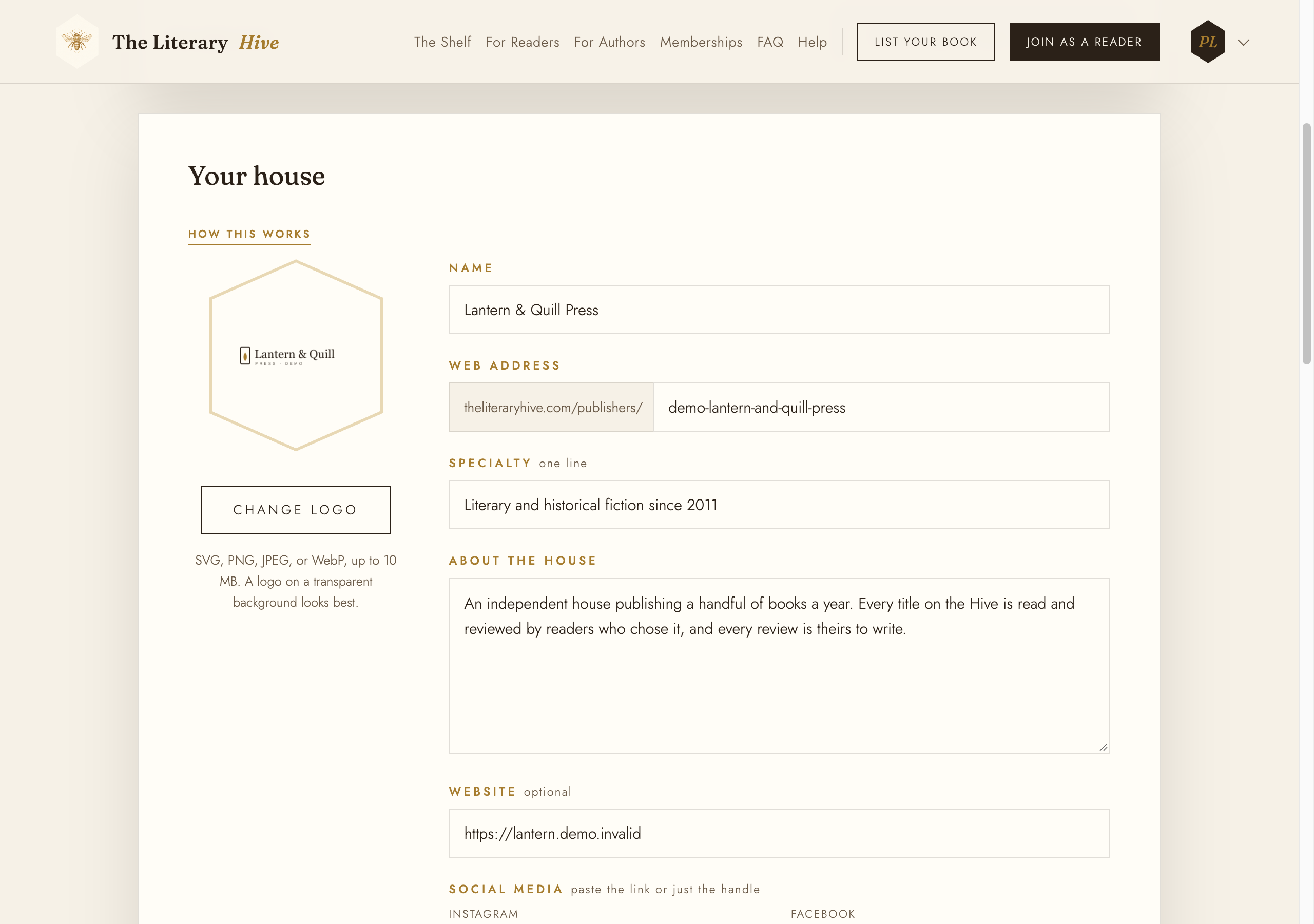
Name, address, logo, and story Press about the house
Under Press about the house, add features, interviews and lists that mention your house: the outlet, the headline, the link, and the date if you know it. Click Save press link. Edit changes one; Remove takes it off your page.
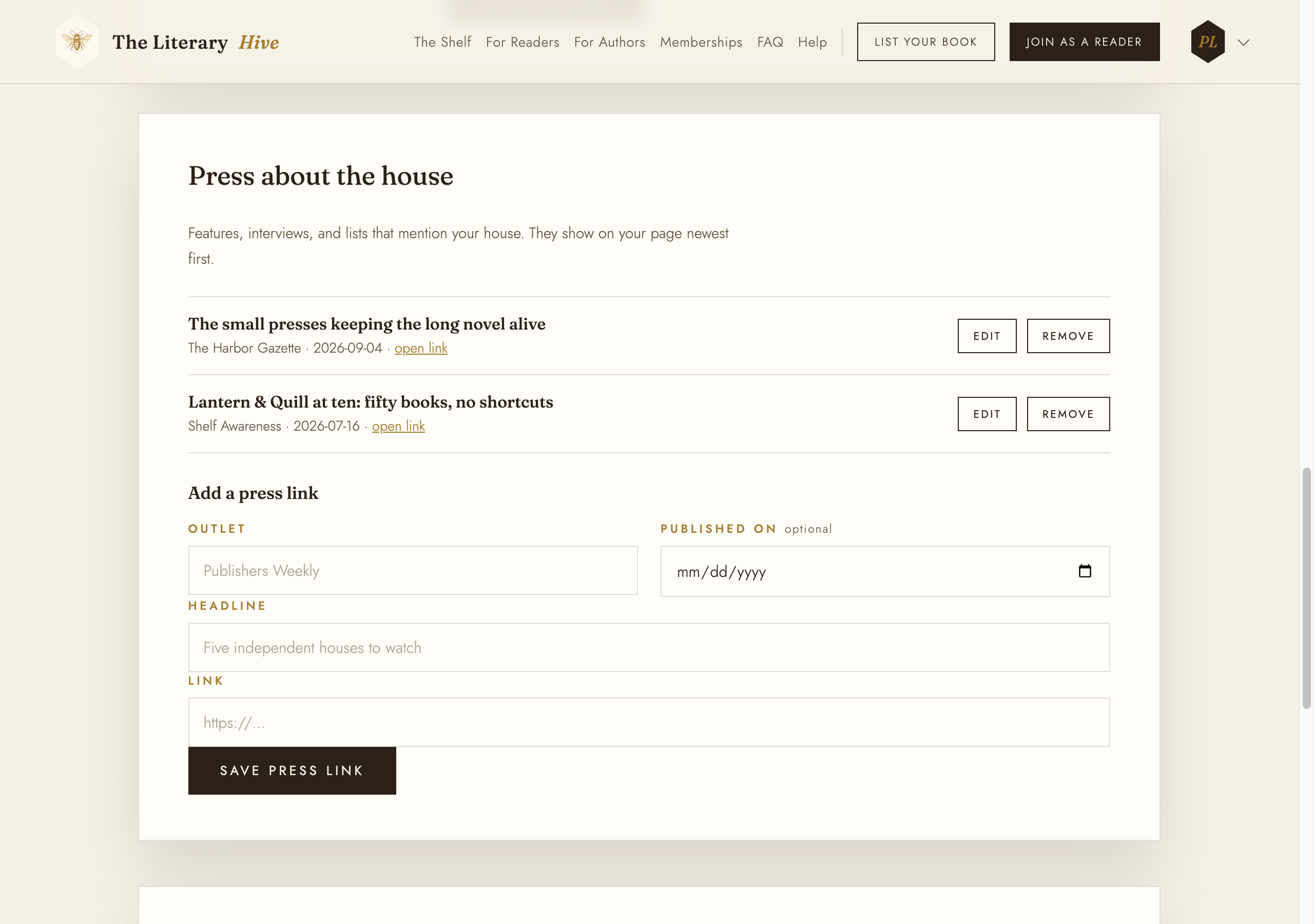
Newest first on your page Your authors
Authors can add you themselves: on their own page they pick your house under My publisher. Each one then appears under Authors who list you and in the honeycomb on your public page.
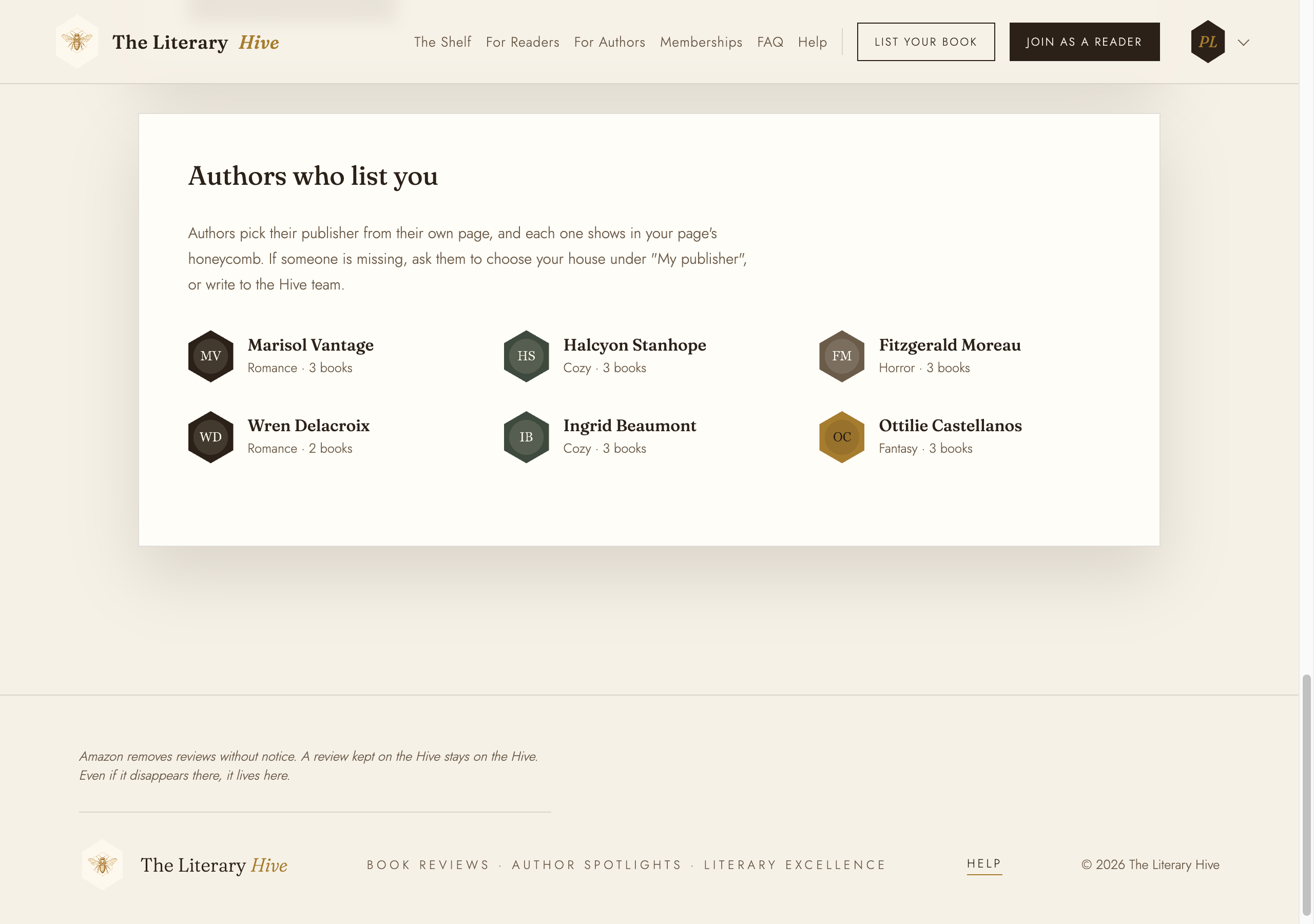
Every author linked to your house Add your authors
You can also add authors yourself. Open the account menu at the top right and choose Your authors. It lists every author linked to your house, and New author adds one: their name as it appears on the cover, a Hive page address, and their own email, the one they will sign in with later. They join your house automatically.
Open any of your authors to edit their profile and photo, add their books and covers, and add press links. Reviews are added by readers and the Hive team, never by a publisher, so there is no reviews section here. You only ever see and edit authors linked to your house, and never their sign-in email, plan or reviews.
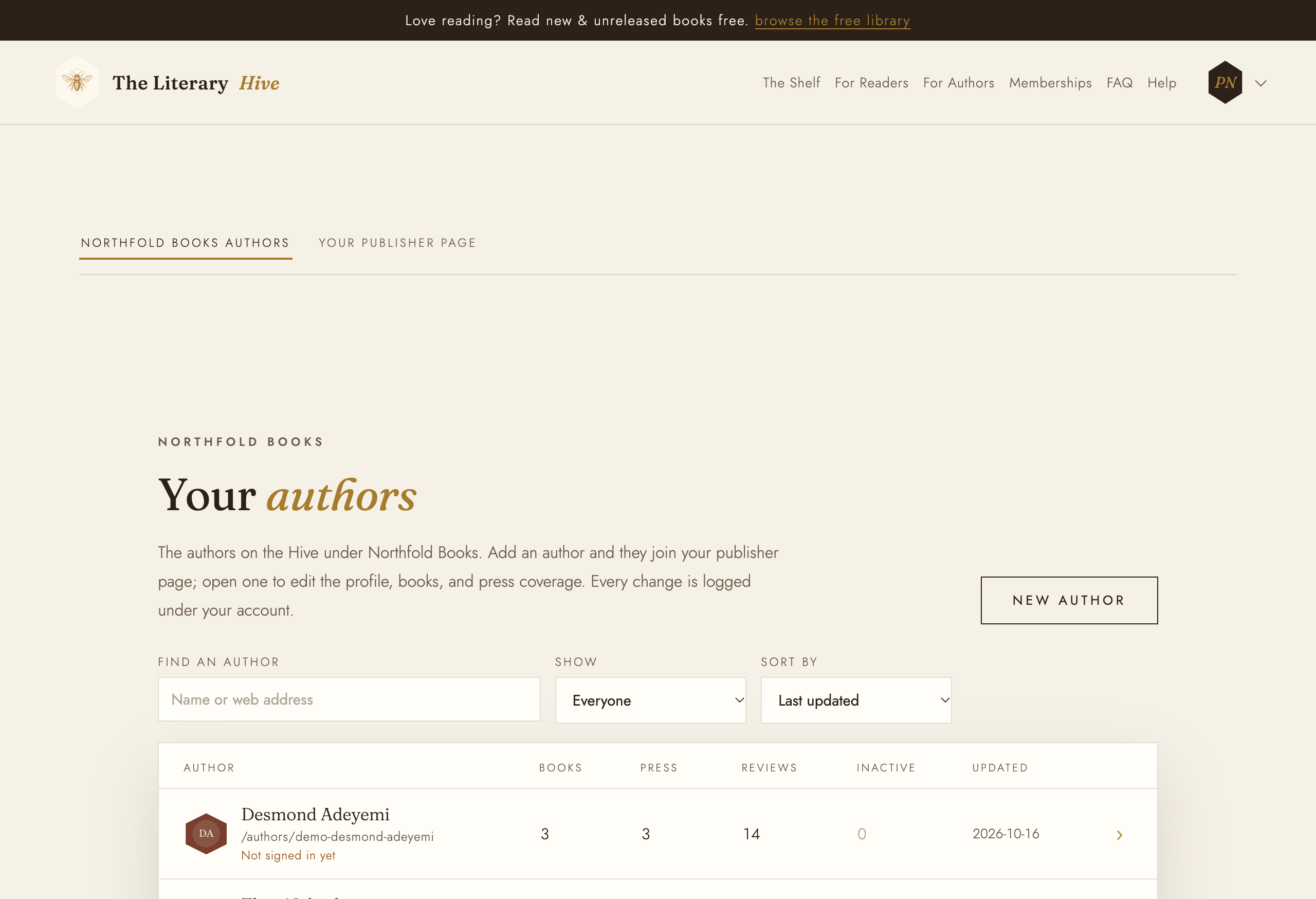
Your authors, and only yours If the email you enter is already on the Hive, ask the Hive team to link that author to your house instead.
Your public page
View your public page at the top of the dashboard opens it: your logo and story, the honeycomb of your authors, a shelf of their books, and your press. The Hive team may also feature your house on the homepage.
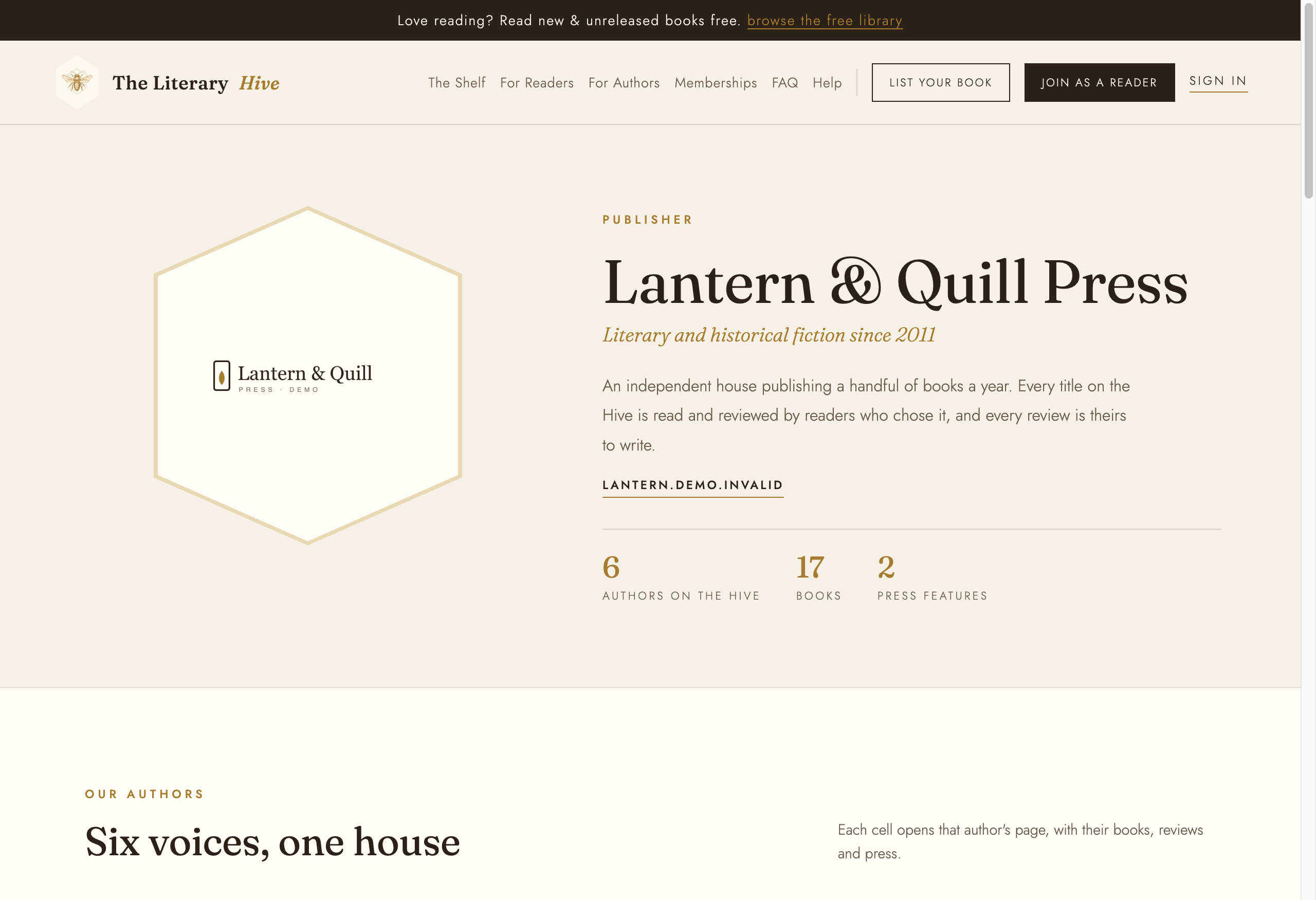
What visitors see